OAuth for interactive clients
ChatGPT, Codex, Claude, and Cursor receive revocable access, never your account password.
Agent Alerts
Know when your AI agent needs something without checking dashboards or digging through notification stacks. One run stays visible as it changes—just glance and act.
Download the iPhone app, then connect ChatGPT, Codex, Claude, or Cursor with your account.
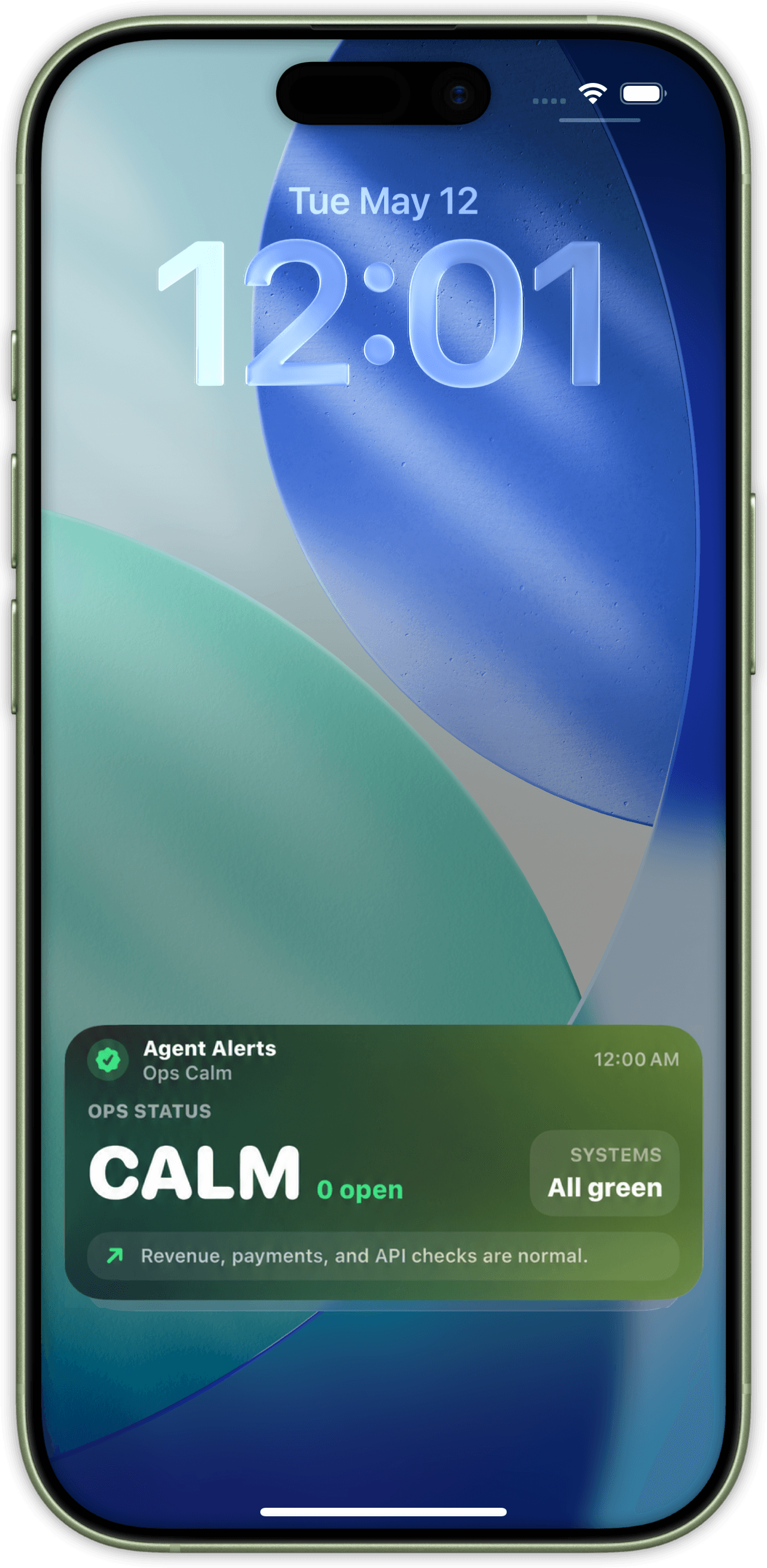
Run an agent, build, automation, or long-running task.
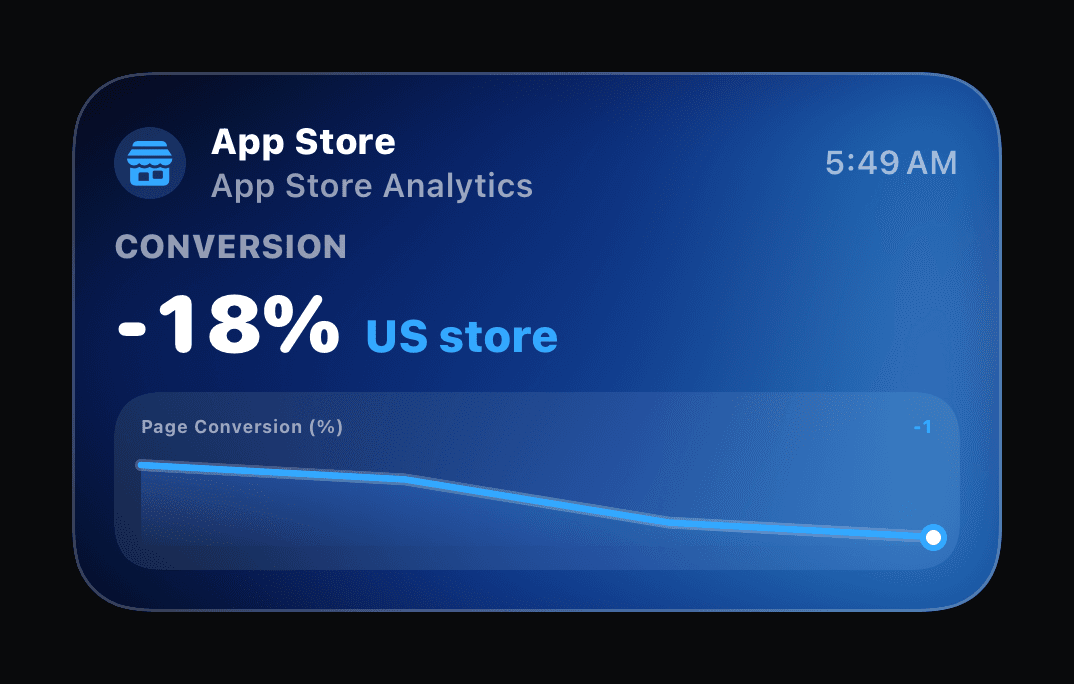
Its latest meaningful progress stays visible on your iPhone.
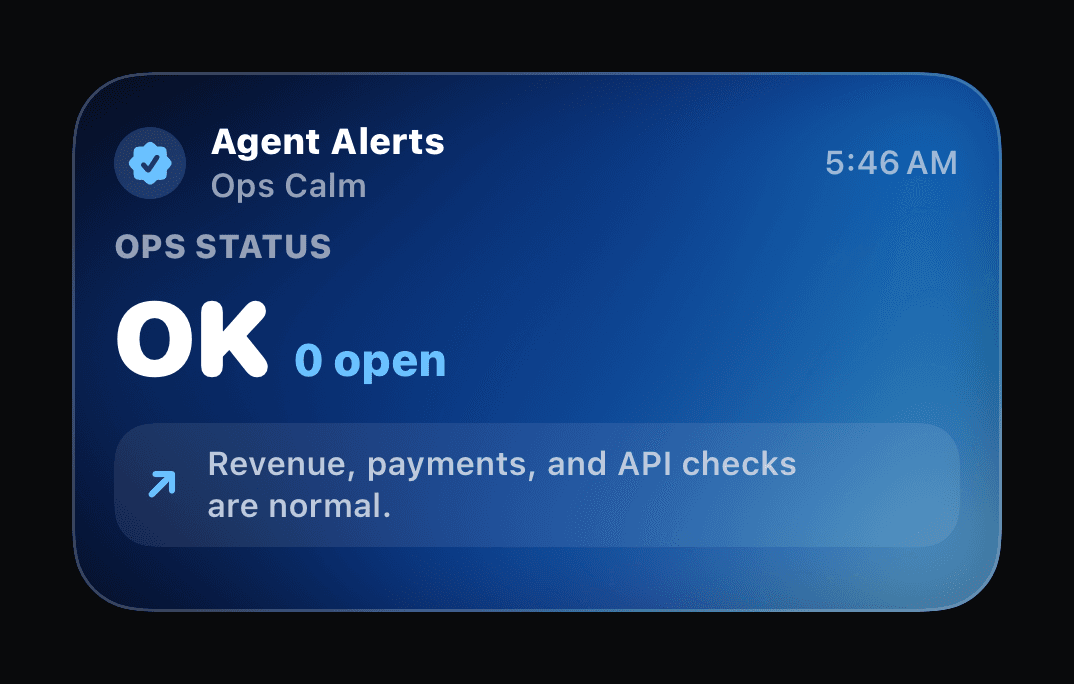
Come back when the run needs attention, fails, or completes.
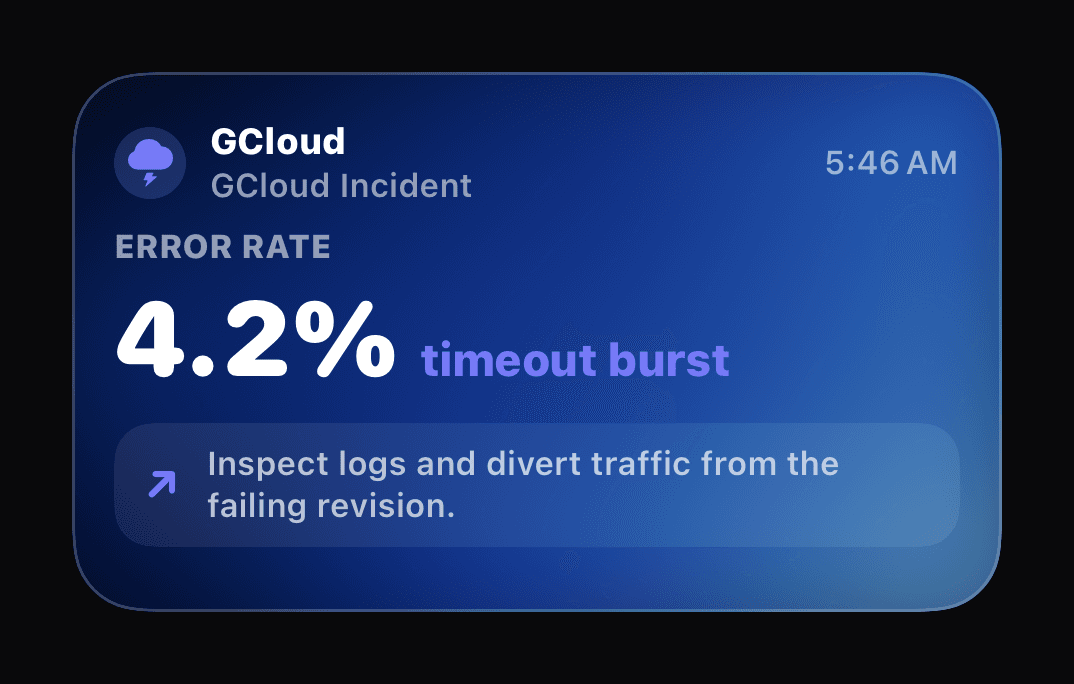
From install to first run
Download Agent Alerts from the App Store and create your account.
Add the remote MCP to ChatGPT, Codex, Claude, or Cursor.
Sign in with the same account and approve revocable OAuth access.
Send one test update and watch the run evolve on your iPhone.
Need a key for CI, scripts, or an unattended service? Open webhook setup
Advanced agent instructions: andreas.ink/agent/instructions
{
  "activityId": "walklock-audit-42",
  "updateMode": "upsert_single",
  "payload": {
    "template": "agent",
    "sourceName": "WalkLock",
    "title": "Reviewing 18 files",
    "progressPercent": 62,
    "deepLink": "codex://run/42"
  }
}
Use the same activityId as the run changes. Agent Alerts updates the activity instead of creating a new one.
Trust starts with boundaries
ChatGPT, Codex, Claude, and Cursor receive revocable access, never your account password.
Optional keys for CI and scripts remain publish-scoped, shown once, and stored server-side only as hashes.
Local allowed-host rules protect destinations before a run is reopened.
Advanced setups can point the app at an alternate compatible Supabase backend.
Agent Alerts · Available on the App Store