Skip to content

Hi, I'm Andreas. I build Apple-platform products around real-life problems.

I'm a founder and iOS product builder. My apps help people study from messy notes, unlock distracting apps by walking, navigate indoor spaces with spatial audio, LiDAR, and AI, coordinate overnight care, and step away from long-running AI work.

I've built WalkLock, ExamCram, PingPath, PodPosture, MostAwake, and Agent Alerts. I also work on patient-facing iOS at Rune Labs.

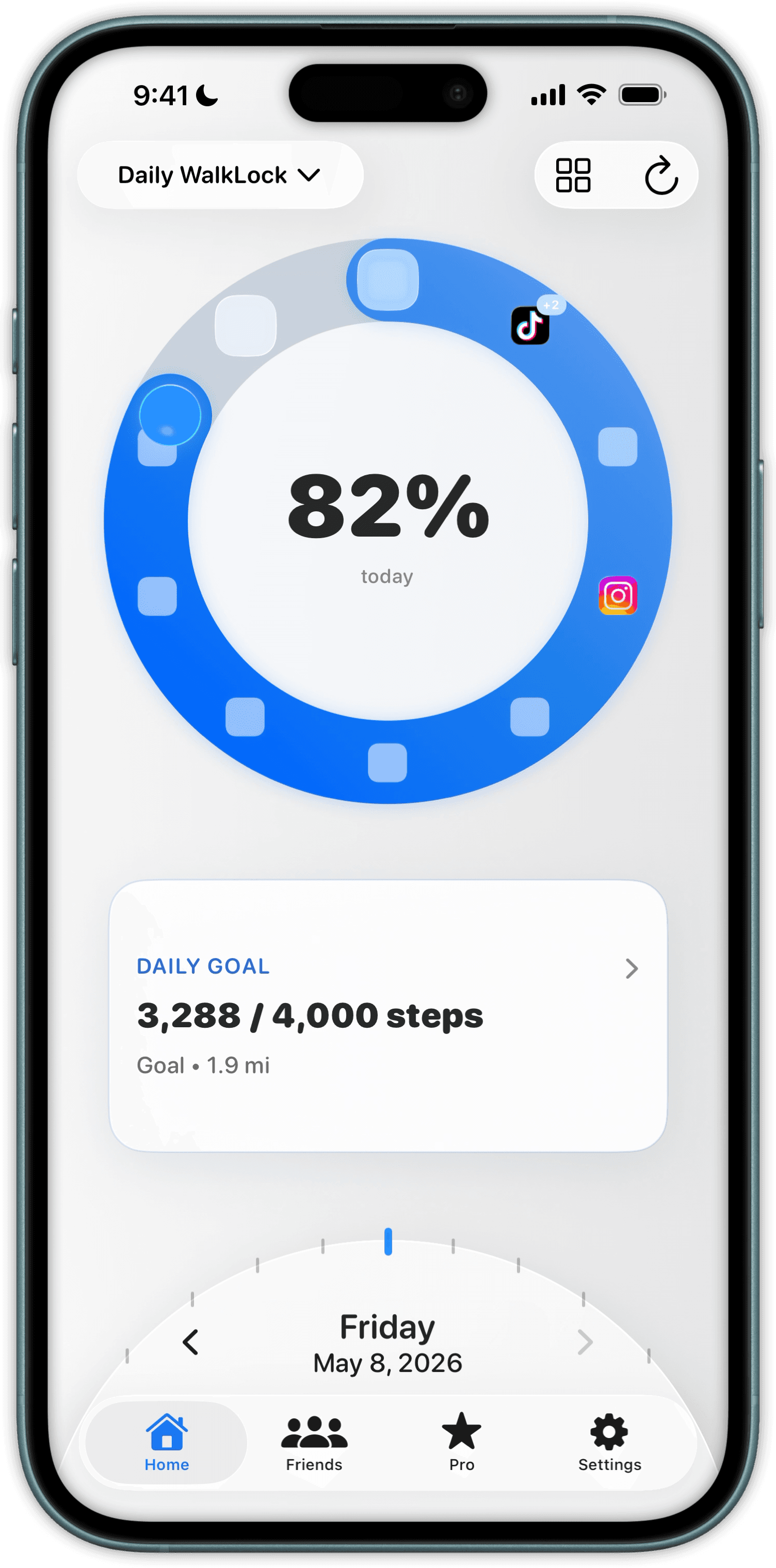
WalkLock iPhone app screenshot showing a lock progress interface.
11apps with verified App Store releases
146App Store versions released across those apps
Nearly 25Kpeople who had accessed ExamCram across mobile and web, as reported by UNF in June 2025

App Store release counts checked July 11, 2026.

Two sides of the work

Independent products, grounded by patient-facing iOS.

At Rune Labs, I contribute to StrivePD's patient-facing iOS app across home, insights, Siri, widgets, and data reliability. That work has made clear states and data recency part of how I design, not cleanup after the fact.

  • Rune Labs / StrivePDPatient-facing iOS engineer · 2022–present
  • Swift Student ChallengeWinner for Tides · 2025
  • University of North FloridaB.S. in Information Science · 2025

I build where software meets real life.

Studying, screen time, posture, navigation, caregiving, and AI work all become harder when a product ignores context. Each app started with one piece of friction I wanted to make clearer.

AI study workflow

ExamCram

ExamCram proof visual shows a generated cell biology quiz. UNF reported that nearly 25,000 people had accessed the mobile and web product by June 2025.

Turns a student's notes, slides, and screenshots into quizzes and flashcards for faster review.

Challenge The input is messy, and study time is short.

What I built A mobile-first path from raw material to a useful first quiz.

Evidence UNF reported that nearly 25,000 people had accessed the mobile and web product by June 2025.

Product strategySwiftUIAI integration
View on the App Store
Screen Time and behavior change

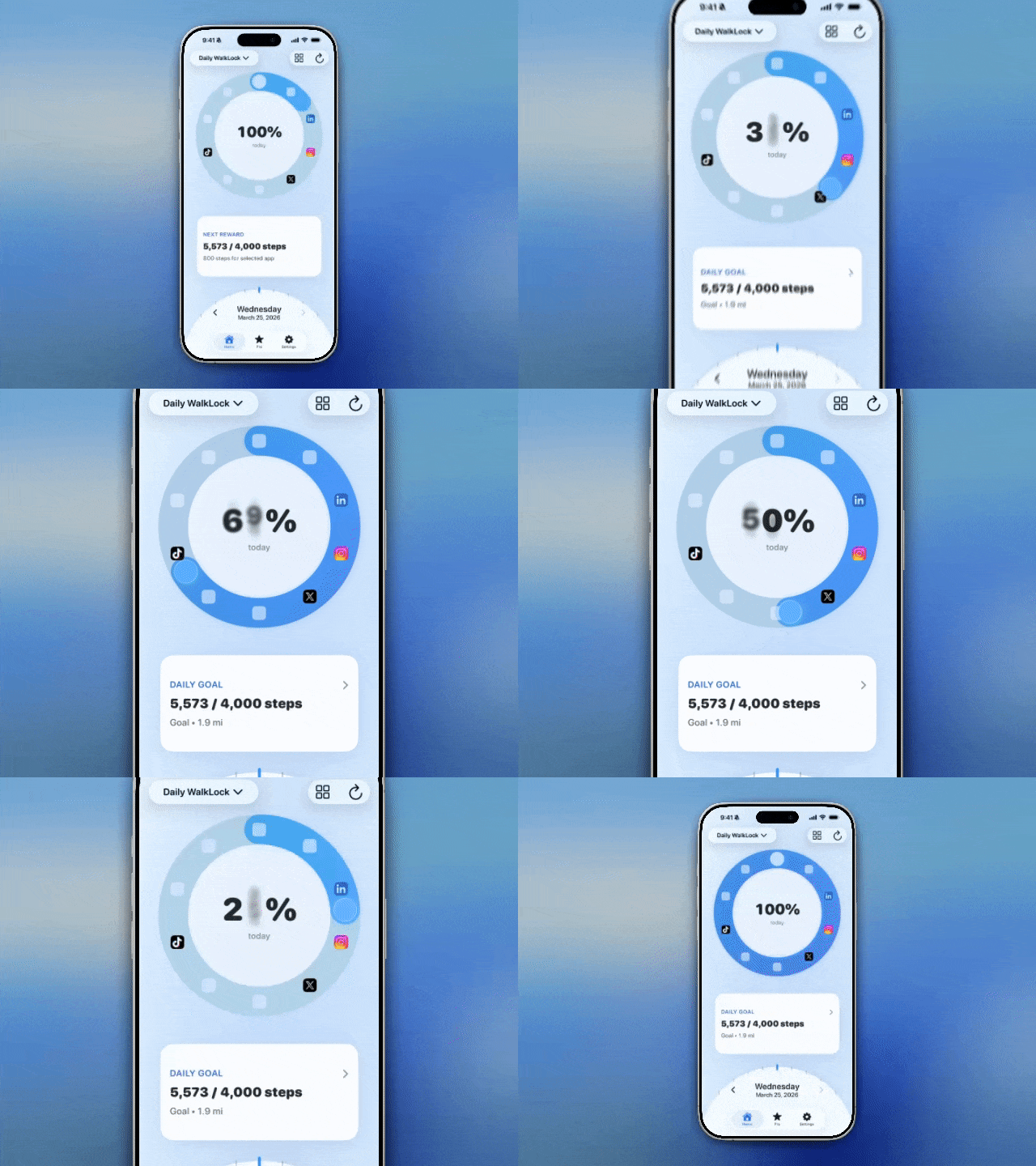
WalkLock

Turns real walking into the unlock mechanism for distracting apps.

Challenge The restriction had to feel motivating and fair, not punitive.

What I built A clear step goal, unlock state, and system behavior around Screen Time.

Screen TimeLive ActivitiesSwiftUIBehavior design
View on the App Store
AirPods motion and wellness

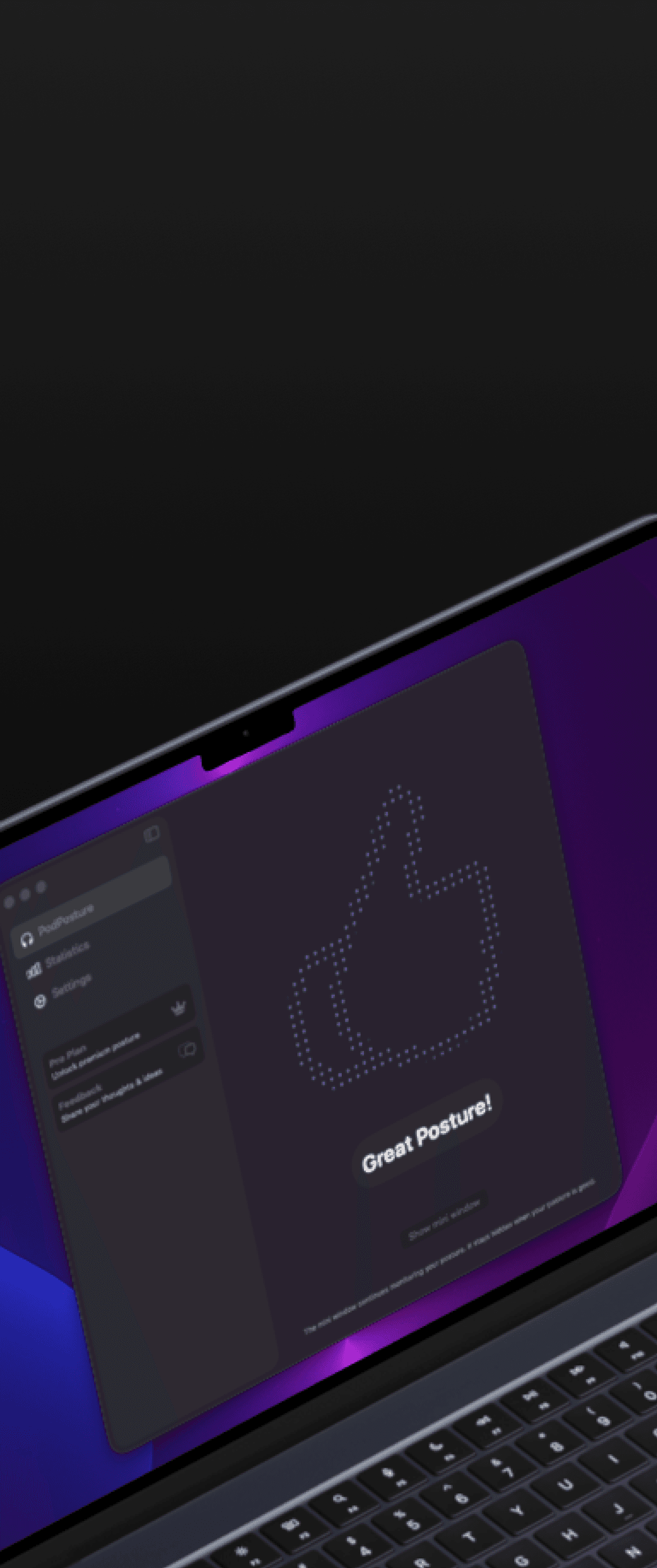
PodPosture

Uses AirPods motion data to give lightweight posture and movement feedback.

Challenge Motion data is noisy, and constant correction becomes annoying.

What I built A restrained feedback loop that stays understandable and easy to dismiss.

Core MotionSensor feedbackHaptics
View on the App Store
Accessible indoor navigationLiDAR + audio

PingPath

PingPath proof visual shows a spatial route prompt with spatial audio and haptic guidance.

An iOS app for people with visual impairments that uses spatial audio, LiDAR, and AI to support indoor navigation, object finding, and questions about nearby surroundings.

Challenge A route must remain understandable when the screen cannot be the primary guide.

What I built Prototypes for nonvisual prompts across spatial audio, haptics, and room mapping.

ARKitAccessibilitySpatial UX
View on the App Store
Family caregiver coordination

MostAwake

Uses family settings and permitted data to choose which caregiver should receive an overnight request.

See MostAwake

I follow the useful problem, then build the system around it.

The products change. The approach stays practical: understand the friction, prove the interaction, ship an honest version, and learn from use.

Problem before feature

Start with a real problem

Each product begins with something concrete: distracting apps, messy study material, noisy sensor feedback, an overnight request, or work that keeps pulling someone back to a computer.

Apple-native by design

Choose technology that changes the experience

Screen Time, AirPods motion, spatial audio, Live Activities, sensors, and AI only belong when they make the core experience more useful.

Built to learn

Ship, learn, and keep shaping

The release matters, but so do onboarding, analytics, failure states, reliability, and what real use teaches me to change next.

My build loop

  1. 1
    Notice the real friction

    Start with the moment that feels needlessly difficult, not a technology looking for a use.

  2. 2
    Prove the strange part

    Prototype the interaction with the real Apple frameworks it depends on and learn where it breaks.

  3. 3
    Ship the honest version

    Include onboarding, accessibility, failure states, analytics, and App Store readiness in the product from the start.

Where the work keeps leading

Behavior, sensors, accessibility, health, and AI keep meeting inside ordinary routines.I share the releases, experiments, and decisions that change as these products become more useful.
Follow the full timeline

Building my own products keeps me honest.

I still build and operate WalkLock, ExamCram, PingPath, and PodPosture. The lessons stay current: onboarding, accessibility, analytics, distribution, edge cases, and the difficult parts of Apple's frameworks.

01

Real behavior beats assumptions.

Onboarding, retention, and analytics show whether the core loop earns another use.

02

Shipping changes product decisions.

Release quality, App Store constraints, and the next iteration matter from the first version.

03

Edge cases are part of the experience.

Permissions, stale data, noisy sensors, AI failures, and accessibility need to be designed in from the start.

Useful software should leave people feeling more capable.

That idea connects the work: help someone move, study, navigate, care for family, or step away from a computer with more confidence and less friction.

01

Start from real life.

The product should begin with a moment someone actually wants to make easier, calmer, or more possible.

02

Make the hard system understandable.

Sensors, permissions, health data, Screen Time, accessibility, and AI should resolve into one clear next step.

03

Keep the person in control.

Useful software explains what is happening, respects limits, and stays trustworthy when the ideal path breaks.

Portrait of Andreas Ink, iOS product engineer
ANDREAS INK · FOUNDER / BUILDER

I'm happiest when an odd, useful idea becomes something real.

I'm a founder, an iOS engineer at Rune Labs, and an independent product builder. Since 2020, I've published apps across screen time, education, sensors, accessibility, caregiving, and AI agent workflows. I like the stretch where a strange idea becomes a clear interaction, then a product someone can actually use.

Want to compare notes?

Say hello.

If you're building something thoughtful, using one of my apps, or following the work, I'd like to hear from you. If there's a product problem where my experience could help, you can send the rough version too.